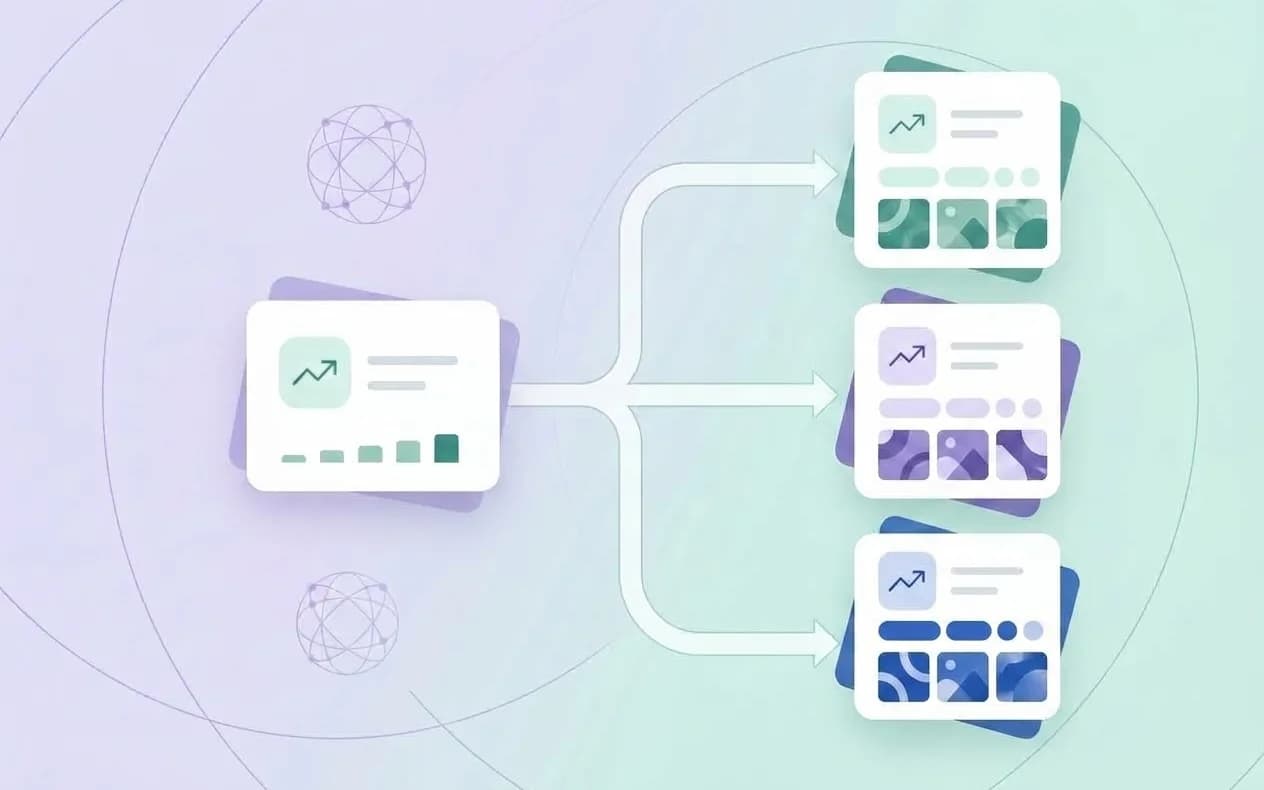
App Store localization is more than translating an app listing. It is the process of adapting the promise, search language, screenshots, metadata, support expectations, and measurement plan for a specific market. A literal translation can be grammatically correct and still fail to match how people search for, evaluate, and pay for an app.
Apple recommends localizing the app description, keywords, previews, and screenshots for each market where the app is offered. Google Play supports translated store listings and also recommends custom store listings when you need a different experience by country or region. That distinction gives you a practical starting point: localize the core listing for language, then use targeted pages when the audience or campaign is meaningfully different.
This guide explains how to build an ASO localization workflow that is evidence-aware, testable, and scalable.
Localization versus translation
Translation asks: “How do I say this sentence in another language?” Localization asks:
- What problem does this audience call the problem?
- Which feature matters first in this market?
- Which words are used in the store, not only in a dictionary?
- What proof, pricing, payment method, and support promise feels credible?
- Which screenshot or example should appear first?
The answer can change the wording, order, visuals, and even the product page angle. It should not invent a feature that the app does not provide.
Choose the next market with evidence
Do not start by translating every string into every language. Pick the next market using a simple scorecard:
| Signal | Question | Evidence to collect |
|---|---|---|
| Product fit | Can users in the market use the core feature today? | Availability, payments, support, legal requirements |
| Demand | Do people search for the problem in their own language? | Keyword research, search suggestions, existing category pages |
| Competition | Is there an underserved intent or audience? | Local listings, ratings, screenshots, pricing |
| Economics | Can the market support acquisition and retention? | Revenue, trial starts, subscription behavior, refunds |
| Operations | Can you support the promise? | Native review, customer support, moderation, updates |
Start with one or two markets where product fit and measurement are strong. A smaller, well-supported launch teaches more than ten unmeasured translations.
What App Store localization includes
Apple’s product-page documentation says that the following surfaces can be localized and used to help the app resonate with each market:
- app name and subtitle;
- description and promotional text;
- keyword field;
- screenshots and app previews;
- in-app purchase presentation where relevant;
- category and availability decisions at the market level.
Treat each field as part of one message system. If the title says “budget planner” but the first screenshot says “expense tracker,” the visitor has to resolve the mismatch before trusting the listing.
Build a local keyword map
Create a separate keyword map for each locale. Group terms by intent rather than translating a master list word for word:
- Problem: what the user wants to solve.
- Action: what the user wants to do.
- Category: what kind of app they expect.
- Audience: who the app is for.
- Differentiator: why this app is a better fit.
The App Store keyword field is limited to 100 bytes, and Apple says to separate terms with commas and avoid duplicates, category names, the word “app,” irrelevant terms, and protected names. Review these rules in the iOS keyword field guide, then count the localized field correctly. A Turkish phrase may use more UTF-8 bytes than its English equivalent, so character count alone can be misleading.
Write the visible metadata for the local reader
Keep the brand recognizable where it matters, but do not preserve an English sentence structure that sounds unnatural in the target language. A good local title and subtitle are:
- clear when read without the screenshots;
- specific about the job the app performs;
- short enough to survive every storefront layout;
- free of forced keyword repetitions;
- consistent with the product’s real capabilities.
Do not assume that a word with high volume in English has the same intent in Turkish, Spanish, German, or Japanese. Validate search language locally and ask a native reviewer to explain why a phrase sounds natural.
What to localize on Google Play
Google’s translation and localization guidance covers the title, short description, full description, and graphic assets. Google Play also documents a 30-character app name, an 80-character short description, and a 4,000-character full description in its store-listing setup guide.
The limit is only the container. The local value proposition still needs to fit:
- Title: brand plus the clearest category or job.
- Short description: the strongest benefit in one compact sentence.
- Full description: use cases, features, proof, limitations, and support information.
- Graphics: screenshots and feature graphic that show the right local context.
Google notes that automated translations may appear when you do not provide a translation, but native review is still the safer standard for important markets. For custom store listings, Google says translations are not automatic; add translations for the languages spoken by the countries you target.
Localize screenshots, not just captions
Screenshot copy is part of your conversion argument. Review every layer:
- Replace idioms and cultural references that do not travel.
- Use the local term for the user’s problem, not the internal product label.
- Keep a single benefit per frame.
- Check line breaks after translation; a short English headline may become a long Turkish sentence.
- Show local currency, date, units, or content only when the product actually supports them.
- Make the first one to three frames understandable before the visitor reads the rest.
Your App Store screenshot guide explains the technical and ordering checks. Localization adds a second question: would a real customer in this market recognize their own situation in the frame?
Use targeted product pages when the audience changes
Apple’s Custom Product Pages let you create tailored pages with different screenshots, previews, and promotional text. Apple’s analytics can segment product-page views, downloads, conversion rate, territory, source, device, and downstream value.
Google’s custom store listings can target countries, ad traffic, search keywords, and audience segments. Google documents up to 50 custom store listing pages and warns that they do not include automatic translations.
Use a targeted page when the reason for conversion differs, for example:
- a fitness app promoted to runners versus strength athletes;
- a finance app with a different regulatory or payment context;
- a campaign that leads with a seasonal feature;
- a country where onboarding, pricing, or support differs.
Do not create a custom page simply to make minor copy edits. Each page needs an audience, a traffic source, a message hypothesis, and a way to measure quality after install.
Measure localized ASO correctly
Compare like with like. A localization review should include:
| Layer | Metric | Question |
|---|---|---|
| Discovery | Impressions or listing visitors | Are the right people seeing the listing? |
| Consideration | Product-page views or clicks | Does the traffic reach the detail page and show intent? |
| Conversion | Downloads or install clicks | Does the message earn the next action? |
| Quality | Trial start, retention, subscription or revenue | Did the promise attract the right users? |
| Feedback | Rating, review themes, support tickets | What did the market misunderstand? |
Apple’s acquisition analytics separates unique impressions, product-page views, downloads, and conversion rate by source and territory. Google Play’s current reporting emphasizes unique button clicks and click-through rate, with filters such as country, language, traffic source, and store listing. Do not merge the two conversion numbers into one dashboard without preserving their definitions.
A 14-day localization launch plan
Days 1–2: Research
Choose the market, collect local search language, inspect competitors, and confirm product availability. Write a one-page market brief.
Days 3–5: Message and metadata
Draft the title, subtitle or short description, keyword field, description, and screenshot headlines. Have a native speaker review intent, tone, and claims.
Days 6–8: Creative and implementation
Adapt screenshots, previews, feature graphics, and examples. Check character limits, line breaks, content safety, and app-store rendering.
Days 9–10: Baseline and release
Capture the pre-launch metrics and publish the localized listing or targeted page. Label the version, market, source, and hypothesis.
Days 11–14: Read and learn
Watch impressions, page views, clicks, downloads, quality, and reviews. Do not make a broad conclusion from one day of traffic. Record the next test separately from the current result.
Common App Store localization mistakes
- Translating English keywords instead of researching local intent.
- Using the same screenshot order in every market.
- Leaving English UI labels inside a localized screenshot.
- Relying on automatic translation for a high-value market.
- Claiming local pricing, features, or support that are not available.
- Comparing a campaign page with a default page without tracking source and audience.
- Filling the keyword field with repeated words instead of distinct, relevant terms.
App Store localization FAQ
Is App Store localization worth it for a small app?
It can be, when the app is available and supportable in the market. Start with one well-researched language and measure product-page behavior and post-install quality before expanding.
Should I translate keywords literally?
No. Translate the user intent, then validate how people actually describe the problem in that market. Literal translation is a draft, not keyword research.
Should screenshots be different in every country?
Not automatically. Keep a consistent brand system, but change the message, order, examples, and visual context when user intent or product availability differs.
Does localization guarantee ranking growth?
No. It makes the listing more relevant and understandable for a market and gives you a better test surface. Visibility still depends on competition, user behavior, product quality, and the store’s systems.
Build a repeatable localization workflow
Lite ASO helps you organize keyword opportunities, compare markets, review listing gaps, and keep English and Turkish metadata aligned without copying one market’s assumptions into another. Start with the free ASO tool, then use the ASO audit checklist before publishing each localized version.
Start optimizing your app
Track keywords, monitor competitors, and generate optimized metadata with AI-powered insights. Free during beta.