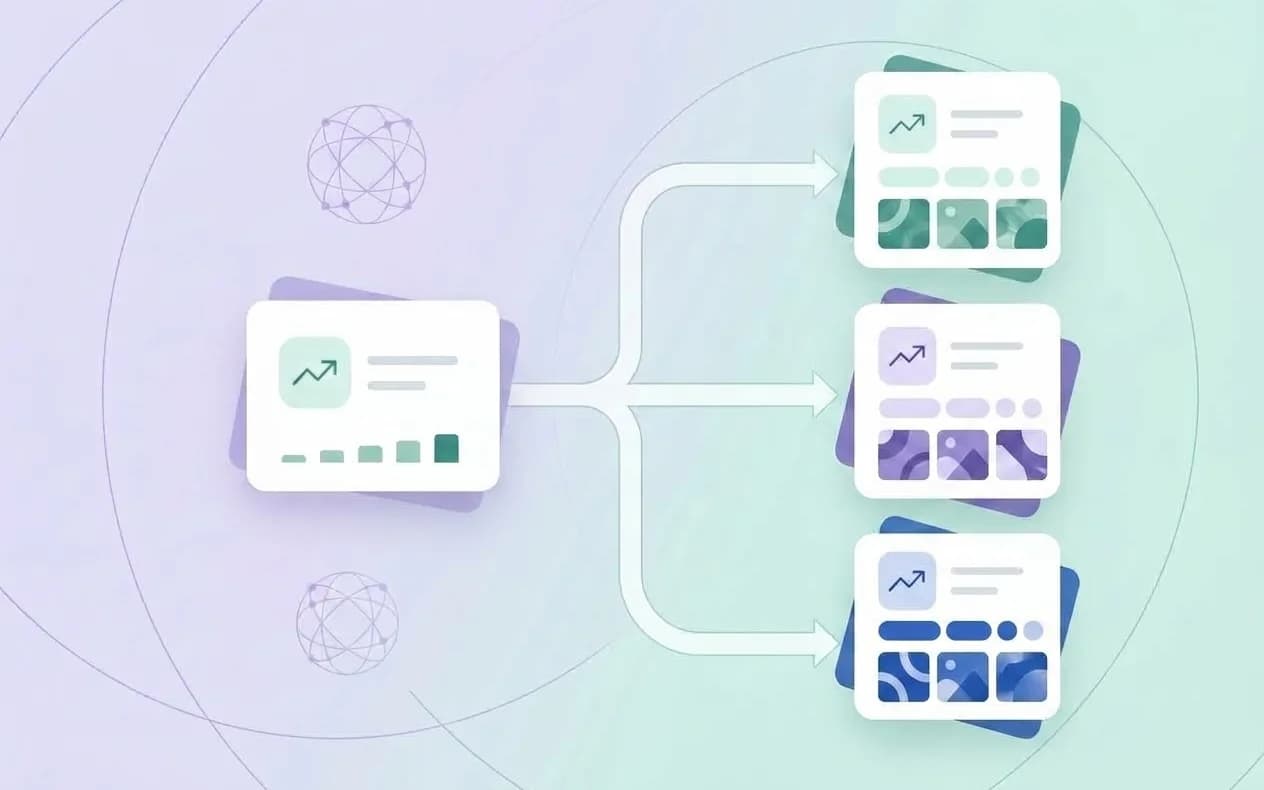
Google Play Store Listing Experiments give app teams a way to test listing text and graphics with real store traffic instead of arguing about which icon or screenshot looks better. Google describes the feature as free A/B testing for store listing text and graphics, with acquisition and one-day retention signals for each version.
The important word is experiment. A test is not a guarantee that one creative will win forever, and a higher install rate is not automatically better if the resulting users do not retain or monetize. This guide shows how to build a clean Google Play listing experiment, choose a useful hypothesis, read the current metrics, and apply the learning to your next ASO release.
What Google Play store listing experiments test
Google’s Store Listing Experiments page says you can test graphics and localized text, run experiments for global audiences, and view acquisition and one-day retention rates for each version. Google’s best practices recommend testing icons, videos, and screenshots for impact, changing one asset at a time for clearer results, and running a test for at least a week to cover weekday and weekend traffic.
A store listing experiment can be used for questions such as:
- Does a benefit-led first screenshot earn more install intent than a feature-led one?
- Does a simpler icon make the app easier to recognize at small size?
- Does localized copy perform better than a translated default?
- Does a short description that states the job clearly attract more qualified visitors?
- Does a new preview video improve clicks without reducing one-day retention?
The experiment should answer one primary question. If the icon, screenshot sequence, short description, and video all change together, you may get a movement but not a useful explanation.
Experiment versus custom store listing
These tools solve different problems:
| Tool | Best for | Core question |
|---|---|---|
| Store listing experiment | Comparing variants with a shared audience | Which version performs better under the test conditions? |
| Custom store listing | Tailoring the page to a country, campaign, or segment | What message should this audience see? |
| Main listing update | Applying a confirmed improvement | What should every default visitor see next? |
Google documents custom store listings for countries, ad traffic, search keywords, and audience segments. Do not use a custom listing to hide a weak default listing, and do not interpret a country-specific page as a universal A/B winner.
Step 1: Write a testable hypothesis
Use a single sentence:
For [audience] arriving from [source], changing [one asset] from [control] to [variant] should improve [primary metric] because [user insight].
Examples:
- For search visitors in Turkey, changing the first screenshot headline from a feature name to the user’s job should improve install CTR because the value is understandable before the UI is inspected.
- For returning category visitors, replacing a detailed icon with a simpler symbol should improve install intent because the brand will be recognizable at thumbnail size.
- For new users in Japan, adapting the first two screenshot captions to the local use case should improve both install CTR and one-day retention because the promise will match the onboarding experience.
The hypothesis should be falsifiable. “Make the listing better” is a task, not a hypothesis.
Step 2: Choose the variable and control
Keep the control stable. Record:
- current asset and version;
- market, language, audience, and traffic source;
- reason for the change;
- primary metric and guardrail metric;
- test start date and planned review date;
- owner and decision rule.
Google recommends testing one asset at a time for clearer results. A practical order is:
- icon or first screenshot when the listing is hard to recognize;
- screenshot message when visitors see the page but do not click;
- preview video when the product is difficult to understand from static images;
- localized text when a market’s intent or language is underperforming;
- supporting assets after the first message is clear.
Do not choose the variable because it is easy to edit. Choose it because it is the most plausible cause of the observed gap.
Step 3: Prepare the variants
Each variant should be production-ready, policy-safe, and coherent as a complete listing. Check:
- text and graphics match the same promise;
- the first screenshot explains the job without requiring the full description;
- screenshots show actual app functionality;
- claims are accurate and not based on unsupported rankings or awards;
- local text is reviewed by a native speaker;
- pricing, features, and support are true in the target market;
- the asset is legible on different device sizes.
Google’s store-listing best practices say listing copy should be clear, accurate, and suitable for the audience. A conversion test is not a reason to introduce a misleading claim.
Step 4: Start the experiment in Play Console
The exact Play Console labels can change, but the workflow is consistent: open the app’s store presence area, choose the store listing experiment tool, select the listing and audience, add the control and variant, choose the asset to test, then start the experiment.
Before starting, verify the audience and localization. A test in one language does not automatically answer what will happen in another. If you need a different message by country or campaign, evaluate whether a custom store listing is the right surface first.
Use the experiment name as a compact research note, for example:
TR / Search / Screenshot 1 / benefit vs feature / Aug 2026
That name is more useful six months later than “Test 4.”
Step 5: Read the current Google Play metrics
Google’s current store-listing performance guidance says the reports focus on user intent expressed through unique clicks. The main metrics include:
| Metric | Meaning | Use it for |
|---|---|---|
| Unique install clicks | Unique users who clicked Install | Install intent |
| Unique open clicks | Unique users who clicked Open | Re-engagement or existing-user response |
| Unique pre-registration clicks | Unique users who clicked Pre-register | Pre-launch intent |
| Click-through rate (CTR) | Button clicks divided by listing visitors | Listing-level response |
| One-day retention | Users returning one day later | Early quality guardrail |
Google notes that newer reports focus on clicks rather than successful outcomes such as completed acquisitions. That is useful because a listing can create install intent even when later install mechanics, device compatibility, or attribution affect the final outcome. Keep the metric definition with the report date.
Do not compare Google Play CTR directly with Apple’s App Store conversion rate. Apple defines its acquisition conversion rate using total downloads and pre-orders divided by unique device impressions; Google’s listing CTR is based on unique button clicks divided by listing visitors.
Step 6: Run long enough to learn
Google recommends at least one week so weekday and weekend traffic patterns are represented. The correct duration still depends on traffic volume, audience size, seasonality, and the size of the expected difference. If traffic is low, do not manufacture certainty from a small gap.
Avoid ending the test because one day looks promising. Watch for:
- a stable direction across several days;
- a meaningful sample in the intended market;
- consistent behavior across traffic sources;
- a guardrail metric that does not deteriorate;
- an explanation that fits the hypothesis.
If results are neutral, the lesson may be that the change was too small, the audience was too broad, or the hypothesis was wrong. Neutral is data, not failure.
Step 7: Decide what to apply
Use a decision table instead of a single winner label:
| Result | Interpretation | Action |
|---|---|---|
| CTR up, retention stable | Better first impression with no visible early quality loss | Validate and consider applying |
| CTR up, retention down | Promise may be attracting the wrong users | Inspect message-to-product fit |
| CTR flat, retention up | Fewer but better-qualified users may be arriving | Check downstream value before rejecting |
| Both flat | Change may be too small or irrelevant | Close, document, and choose a new hypothesis |
| Variant down | Revert or preserve control | Record what the audience rejected |
The best variant is not always the one with the highest top-line click number. A qualified cohort that retains, subscribes, or reaches the app’s core action can be more valuable than cheap intent.
Experiment ideas for a Google Play listing
Screenshot experiments
- Benefit-led headline versus feature-led headline.
- One workflow per frame versus a collage of features.
- Product UI first versus outcome illustration first.
- Local example versus generic example.
Icon experiments
- Simplified symbol versus detailed illustration.
- Higher contrast versus brand color variant.
- Character or object emphasis versus wordmark emphasis.
Text experiments
- Job-to-be-done short description versus feature list.
- Audience-specific opening versus broad category language.
- Proof-led sentence versus speed or convenience benefit.
Video experiments
- Product action in the first seconds versus brand introduction.
- Narrated workflow versus silent UI demonstration.
- One use case versus a feature montage.
Change one asset at a time and keep the rest of the listing coherent.
Localized experiments and Turkish ASO
Do not assume a winning English asset will win in Turkish. Language changes line length, category vocabulary, cultural references, and the user’s expectation of a product. Google supports localized experiments, and its custom listing guidance recommends adding translations for the languages spoken in targeted countries.
For a Turkish experiment:
- Research Turkish search language instead of translating English terms.
- Keep the first screenshot headline short enough for natural line breaks.
- Use examples and proof that are actually available to Turkish users.
- Tag the market and language in the experiment name.
- Compare CTR and one-day retention with a Turkish baseline, not an English average.
The App Store localization guide applies the same principle across both stores.
Six mistakes that make experiments hard to trust
- Testing multiple major assets at once.
- Changing the control during the test.
- Stopping after a single high day.
- Ignoring language, country, or traffic-source differences.
- Optimizing CTR while never checking retention or revenue quality.
- Forgetting to record the actual asset and hypothesis.
Google Play store listing experiments FAQ
How long should a Google Play listing experiment run?
Google recommends at least one week to cover weekday and weekend traffic. Use a longer window when volume is low, seasonality is strong, or the expected difference is small.
What should I test first?
Start with the asset most likely to explain the observed gap. If people see the listing but do not click, test the first screenshot or short description. If they click but do not return, investigate promise-to-product fit and onboarding rather than only changing the icon.
Is a higher CTR always better?
No. CTR measures listing-level intent. Pair it with retention and downstream business quality so the listing does not attract users who are unlikely to benefit from the app.
Can I use a store listing experiment for every country?
Use the audience and localization settings available in Play Console and verify the result by market. A result in one country is not a universal answer for every language.
Make experiments part of ASO, not a one-off task
Lite ASO helps you turn competitor observations, keyword opportunities, and listing gaps into a clear experiment brief. Start with the free ASO tool, compare the result with the App Store versus Google Play guide, and use the 2026 ASO statistics roundup to frame the next measurement step.
Start optimizing your app
Track keywords, monitor competitors, and generate optimized metadata with AI-powered insights. Free during beta.